
Find the publisher’s folder
Start with the publisher
Open the official game page and select its Press Kit link.
Follow the linked folder
The checked destination is the publisher-linked Google Drive folder. Match the route from the publisher page before using a separately shared folder.
Check each asset’s scope
Identify the game, source and any asset-specific instructions. Preserve attribution and the relevant terms when preparing a creator upload.
The public folder route was verified. A complete item-by-item listing of the live Drive folder was not available in the reviewed page response, so this page does not claim a full press-kit file count.
Sources: Jatater Worldwide: game overview
Read the designated promotional reuse statement
The official Steam description tells creators they can cut the designated trailer, add voice-over or repost it unchanged without asking permission, and refers to promotional assets for those uses. This applies to the material designated by the developer’s statement.
It does not establish an unrestricted licence for another creator’s thumbnail, gameplay recording, music or voice sample. It also does not by itself answer every platform’s streaming or monetization rule. Keep those separate from the permission the developer actually states.
Sources: Steam: official game listing
Images used in this guide
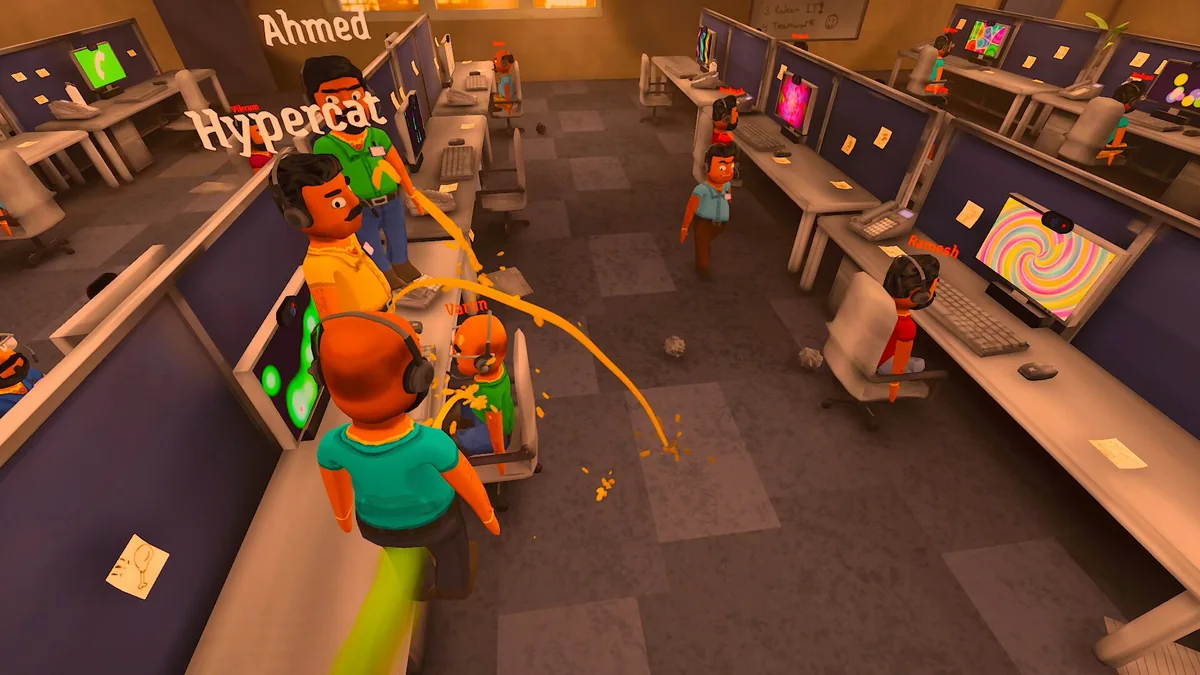
The guide illustrates the game with official Steam promotional screenshots. For the publisher’s current downloadable assets and available formats, follow the press-kit link above and inspect the files offered there. The images on this guide do not establish a complete inventory of the live press kit.
Image captions identify promotional screenshots and their limits. They illustrate the game; they do not demonstrate that a gameplay procedure was completed.
For creator/community contacts, use the publisher-linked Discord route. For product identity and availability, use the official Steam listing.
Sources: Jatater Worldwide: game overview Steam: official game listing